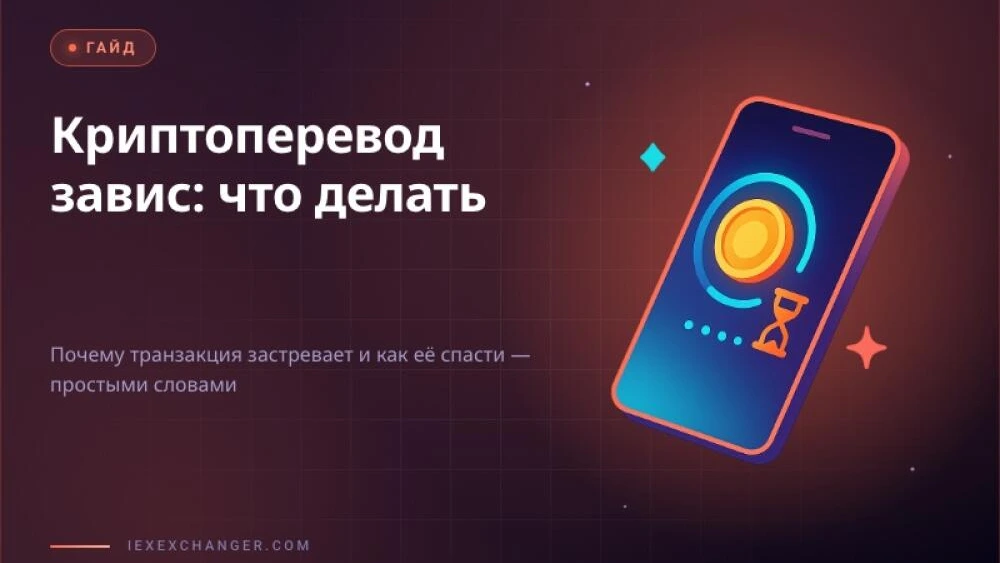
You sent USDT, forty minutes passed, and the other side is still empty. Your stomach drops: is the money gone? Almost certainly not. A stuck crypto transfer is, in the vast majority of cases, not a loss but a queue: your transaction is sitting and waiting to be processed. Below, in plain words: why this happens, how to tell "waiting" from "lost", and what to actually do.
Where does the transfer even "go"
When you tap "Send", the money doesn't fly straight to the recipient. First the transaction lands in a shared waiting room called the mempool (memory pool). Picture a queue at the post office: you took a ticket and you're waiting to be called.
Next, someone who assembles blocks — a miner or validator — has to "pick up" your transaction. They don't take everyone in order; they take whoever paid a higher fee. The more people are sending transfers right now, the longer the queue and the higher the "bid" needed to be served faster. Until your transaction makes it into a block, it counts as stuck.
Five reasons a transfer gets stuck
Stalling is almost always a symptom of one clear cause. Here they are, from most common to rare:
- Low fee. Your wallet offered to save you money, you agreed — and now you're at the back of the queue. The most common cause by far.
- Network congestion. A sudden spike in activity (an NFT drop, a market crash) and the mempool holds thousands of transactions. Even a normal fee is suddenly too small.
- Too few confirmations. The transfer is already in the network, but the recipient (an exchange, an exchanger) is waiting for, say, 3 confirmations and only one has arrived. The money is on its way; the recipient is just being careful.
- Out of gas. On networks like Ethereum you pay "gas" per operation. Set it too low and the transaction stalls or fails.
- Wrong network or address. The nastiest case: you sent USDT on the wrong network (say, ERC-20 instead of TRC-20). That calls for a different response — more below.
How to tell: stuck or actually lost
Good news: you can check this yourself in a minute. Every transaction has a unique number — a hash (a long string of letters and digits; your wallet shows it in the transfer details).
Copy the hash and paste it into a block explorer — it's the public "parcel tracking" for crypto. For Bitcoin use mempool.space, for Ethereum use Etherscan, for Tron use Tronscan. What you'll see:
- "Pending" / "Unconfirmed" — the transaction is alive and queued. The money is fine; you just need to wait or speed it up.
- "Confirmed" / "Success" — the transfer went through. If the recipient still doesn't see it, the issue is on their side (the exchange credits with a delay, or waits for confirmations).
- No transaction at all — it never left your wallet. Often that means the send simply didn't happen and your money never moved.
Remember the rule: if the hash shows up in an explorer, the money is in the system — it didn't evaporate. That removes 90% of the panic.
What to do while the transfer hangs
Act gradually — from "just wait" to active steps.
- Wait. Obvious, but it works. In a calm network the queue clears in minutes; in a congested one, in hours. If the amount isn't urgent, give it time.
- Speed it up with a replacement. Many wallets support RBF (Replace-By-Fee) — resend the same transaction with a higher fee to "override" the stuck one. It's like paying for the priority lane.
- Use an accelerator. Bitcoin has acceleration services; Ethereum has a "speed up" button right in the wallet.
- Cancel it. If your wallet supports it, you can send an empty transaction with the same number and a high fee to void the stuck one. The funds return to your address.
What NOT to do: resend the transfer "just in case". You risk sending the money twice when the first transaction eventually goes through.
Special case: you sent it on the wrong network
This isn't a stall — it's a routing error, and it deserves to be taken seriously. If you picked the wrong network (say, sent USDT via BNB Chain to an address expecting TRC-20), the money can land on an address you hold no keys to.
Sometimes the situation is salvageable: if the recipient is an exchange or exchanger and the network is supported, their support team can locate and credit the funds manually. So step one is not to panic but to message support with the transaction hash. The sooner you reach out, the better the odds. But honestly: there's no guarantee, and sometimes such transfers cannot be recovered.
How to never end up here again
Stuck transfers are almost always preventable. A short checklist before you send:
- Double-check the NETWORK — it must match on both ends (TRC-20 = TRC-20).
- Don't skimp on the fee when the amount matters or the network is busy. A few cents saved isn't worth hours of stress.
- Do a test transfer with a small amount if you're sending a large one for the first time.
- Verify the first and last 4-5 characters of the address — malware can swap an address in your clipboard.
Conclusion
A stuck crypto transfer scares people more than it should: 9 times out of 10 it's a queue, not a disappearance. Check the hash in an explorer, read the status, speed the transaction up if needed — and don't blindly resend. Choosing a reliable network and an adequate fee removes the problem before it starts. For anyone launching their own exchanger who wants clients to face fewer of these questions, the iEXExchanger platform helps with well-designed transfer handling and support for current networks.